ListReports has a refreshed look! The header and left-hand navigation now match the design you may already be familiar with from MBS Highway, so switching between platforms feels seamless whether you use one or both. This article walks through how the updated navigation works so you can get to your tools quickly.
|
☰ Left-Hand Navigation Streamlined navigation so you can find the tool you're looking for, faster. |
|
⇄ Switching Platforms Move between ListReports, MBS Highway, CMA, and Home Report without logging out. |
|
✦ Account Settings Manage your profile and account details from one place. |
💡Helpful Note: This update refreshes the navigation only. All existing features, tools, and reports work exactly as they did before.
Using the Left-Hand Navigation
The left-hand navigation has been streamlined to help you find the tool you're looking for, faster. Check out the setup below:
| Button | Description |
|---|---|
| Home | Your dashboard, with your daily digest, Home Report activity, Shareables, and Resources. |
| Marketing Kits | Create and view marketing kits for agent listings. |
| My Leads | Leads captured through text-to-lead codes, QR codes, and Shareables. |
| Home Report | Invite clients and track their Home Report activity, including Hot Leads and engagement. |
| My Agents | Where you can invite and view your paired agents. |
| Agent Intel | Search and follow agents so you can track their production and activity. |
| Agent Connect | Search for and connect with new agents. |
| Activity Feed | Recent activity across your account including paired agent activity and client activity in Home Report. |
| Shareables | Browse and share engaging social media content. |
| Shop | Where you can order sign riders for marketing kits. |
| Resources | Where you can access our help center and webinars. |
| Profile | Update your personal information and branding, as well as export leads. |
| Settings | Update your notification settings, automation settings for autopilot, marketing kit color theme and text-to-lead code and market data for the Daily ListReports email. |
| Contact Us | Where you can submit a support ticket to our team. |
Switching Platforms
To switch between platforms, click the ListReports logo in the top left corner of the screen. From the dropdown, select:
- ListReports — Goes to the ListReports home page.
- MBS Highway — Jump directly to MBS Highway.
- Certified Mortgage Advisor — Access Certified Mortgage Advisor.
- Home Report — Jump directly to the Home Report tab.
💡Helpful Note: You'll only see the platforms you currently have access to.
Top Navigation
In the top-right hand corner of the page, you will find three quick action buttons.
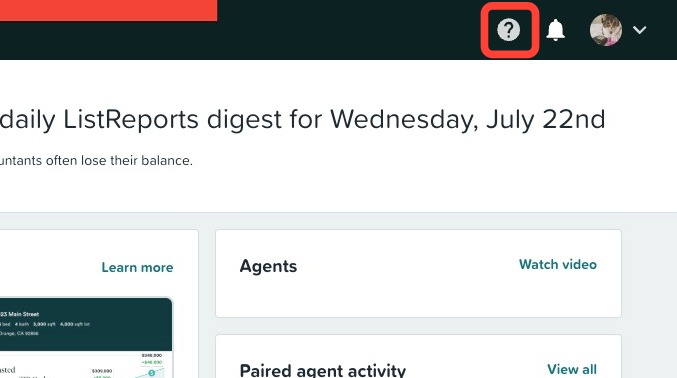
?Icon
Click the ? icon to quickly access the help center, where you can read articles and guides, watch videos, check out our live and recorded webinars as well as submit help tickets.
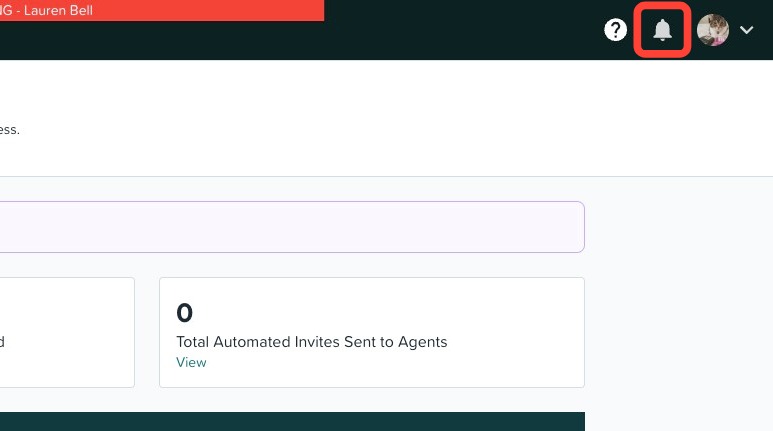
🔔 Icon
Click the 🔔 icon to access your activity feed. This is where you can find your paired agents' recent activity, create marketing kits for new listings*, as well as client activity within Home Report.
*Requires an Elite subscription.
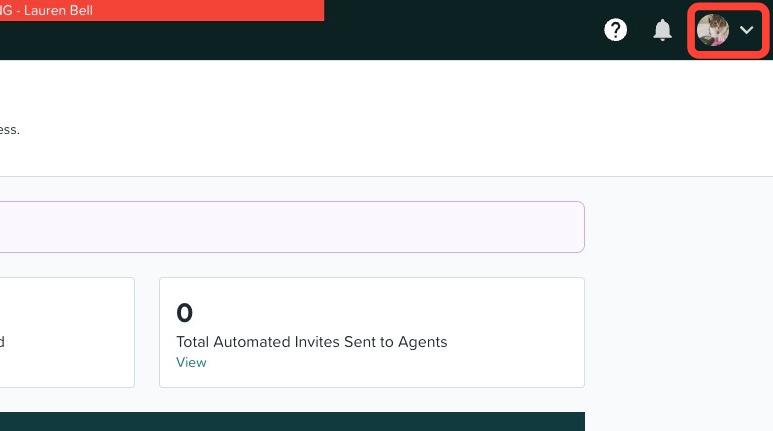
Account Settings
1. Click your profile photo in the top right corner of the screen.
2. Click My Profile, Settings, or Logout from the dropdown.
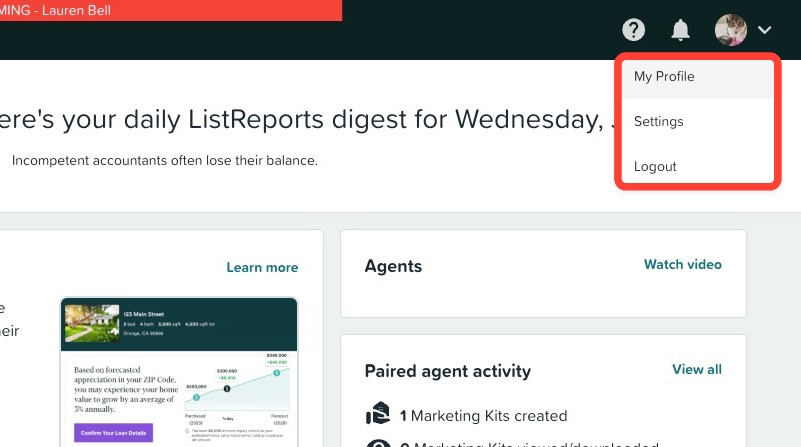
💡Helpful Note: You can also reach your Profile and Settings directly from the left-hand navigation.
Collapsing & Expanding the Navigation
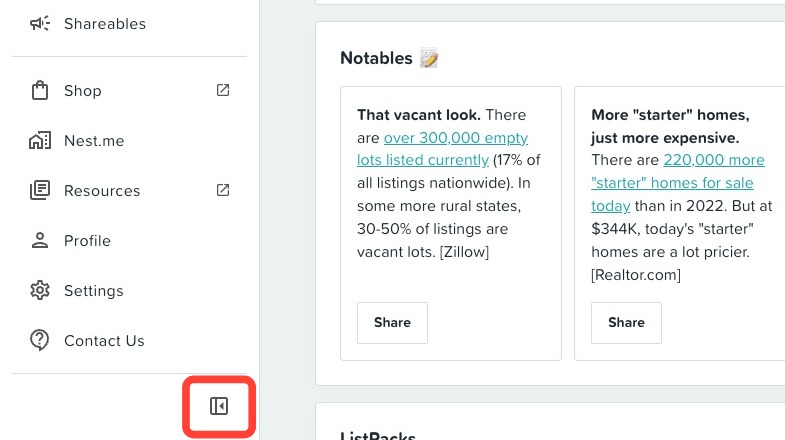
The left-hand navigation can be toggled between two states using the panel icon at the bottom of the menu, below Contact Us. Click the icon again to switch back.
- Expanded — shows the full navigation with icons and labels side by side.
- Collapsed — hides the labels and shows icons only, giving you more room for the page content.
💡Helpful Note: Collapsing the navigation doesn't remove or hide any tools — it only changes how much screen space the menu takes up.
Need Help?
Have more questions or want to learn more? Click here to submit a support ticket.