Keeping your branch roster up to date is essential for accurate forecasting and performance tracking. The data we use to model your branch’s production and provide AI-driven insights relies on having an accurate list of active loan officers (LOs). By regularly updating your roster by removing LOs who are no longer with your branch and adding new hires, you ensure your stats reflect real-time performance.
Navigating to Your Branch Roster
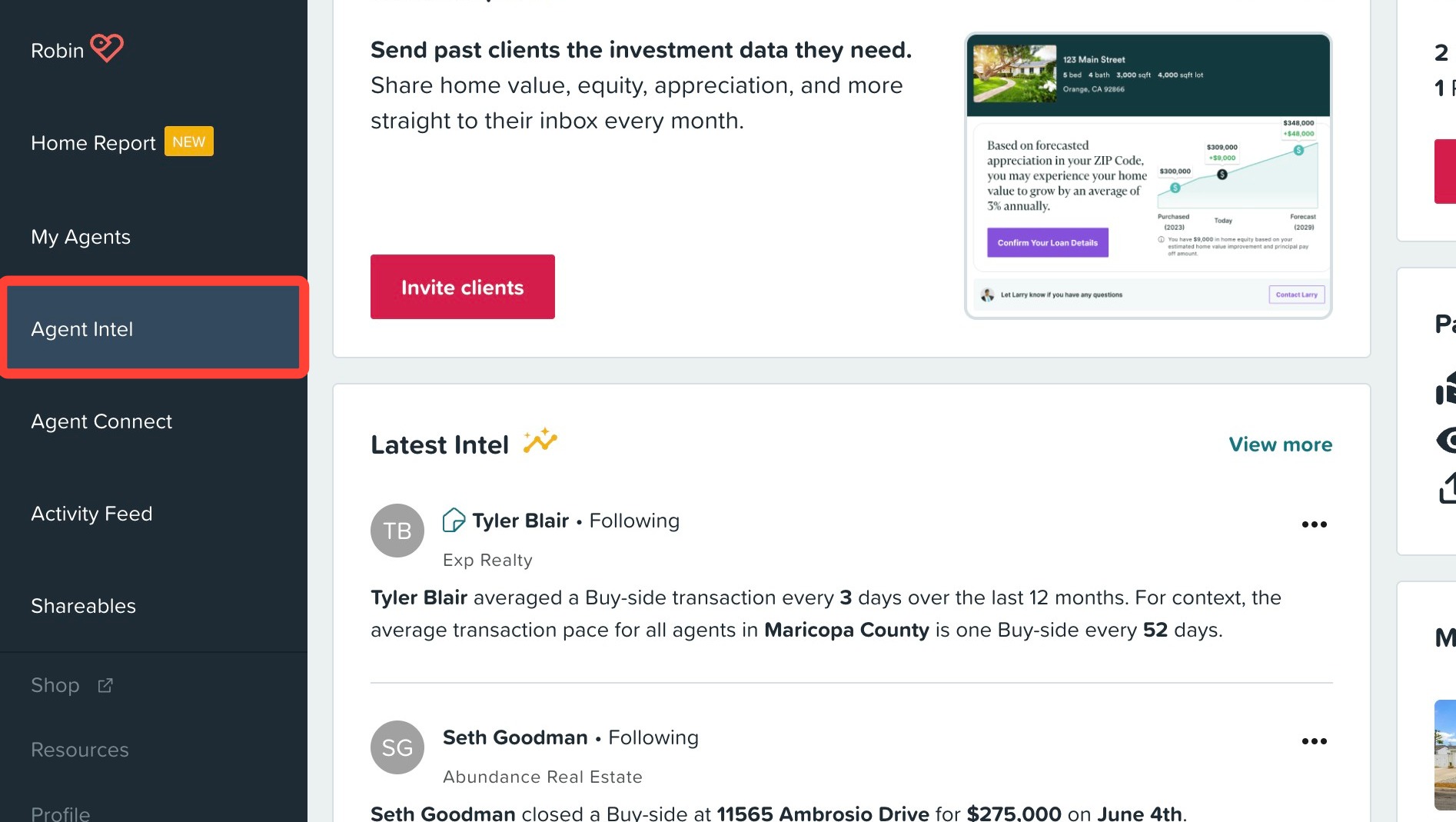
1. Click Agent Intel.
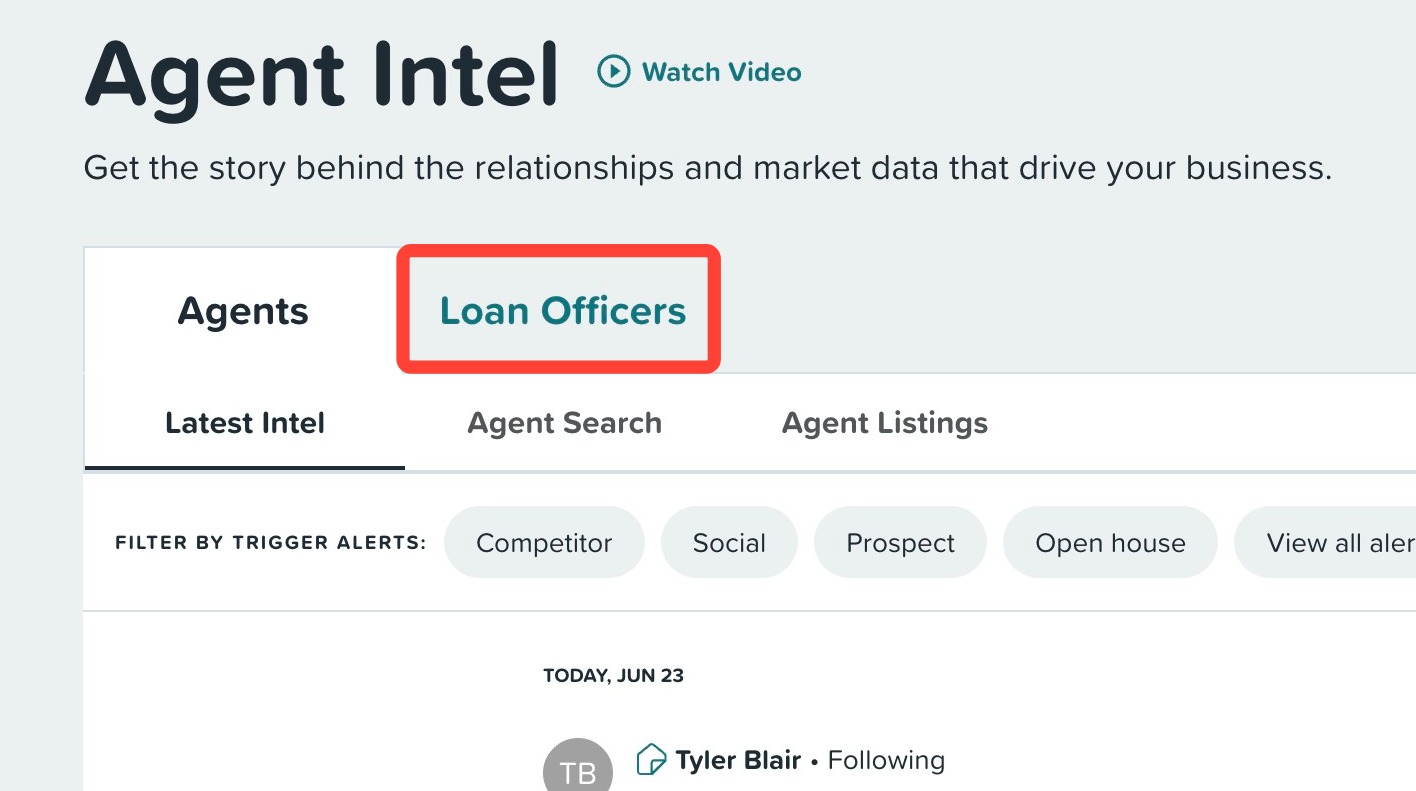
2. Click the Loan Officers tab.
3. Click My Branch (NMLS#).

Updating Your Branch Roster
Keeping your branch roster up to date helps ensure better accuracy for our AI projections and comparisons. To make updates to your branch roster, see the options below.
Removing an LO from Your Branch
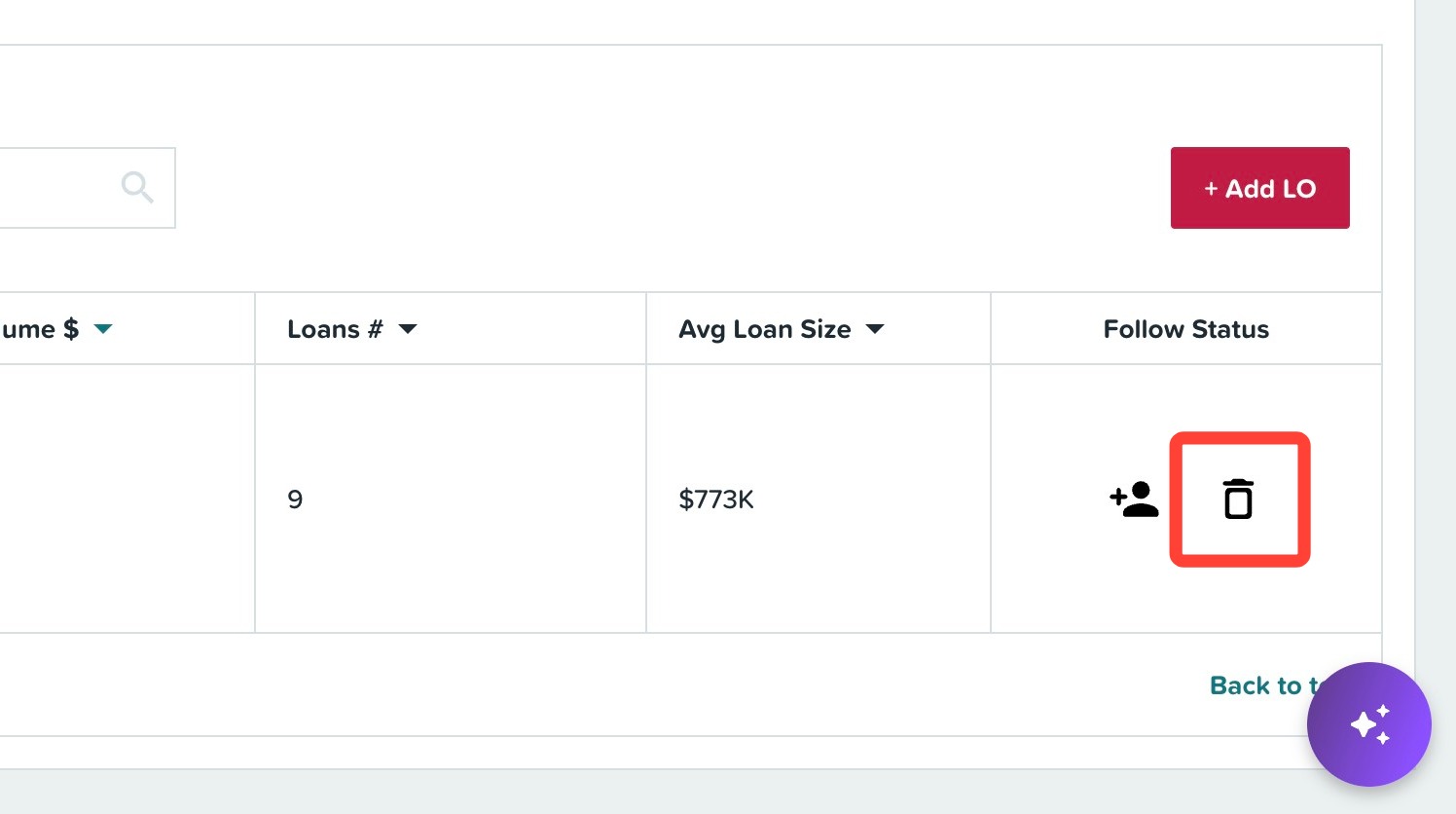
1. To remove an LO from your roster, click the trash icon in the LO's row.
2. Add additional context for our data team's review, i.e. the last day of their employment with you.
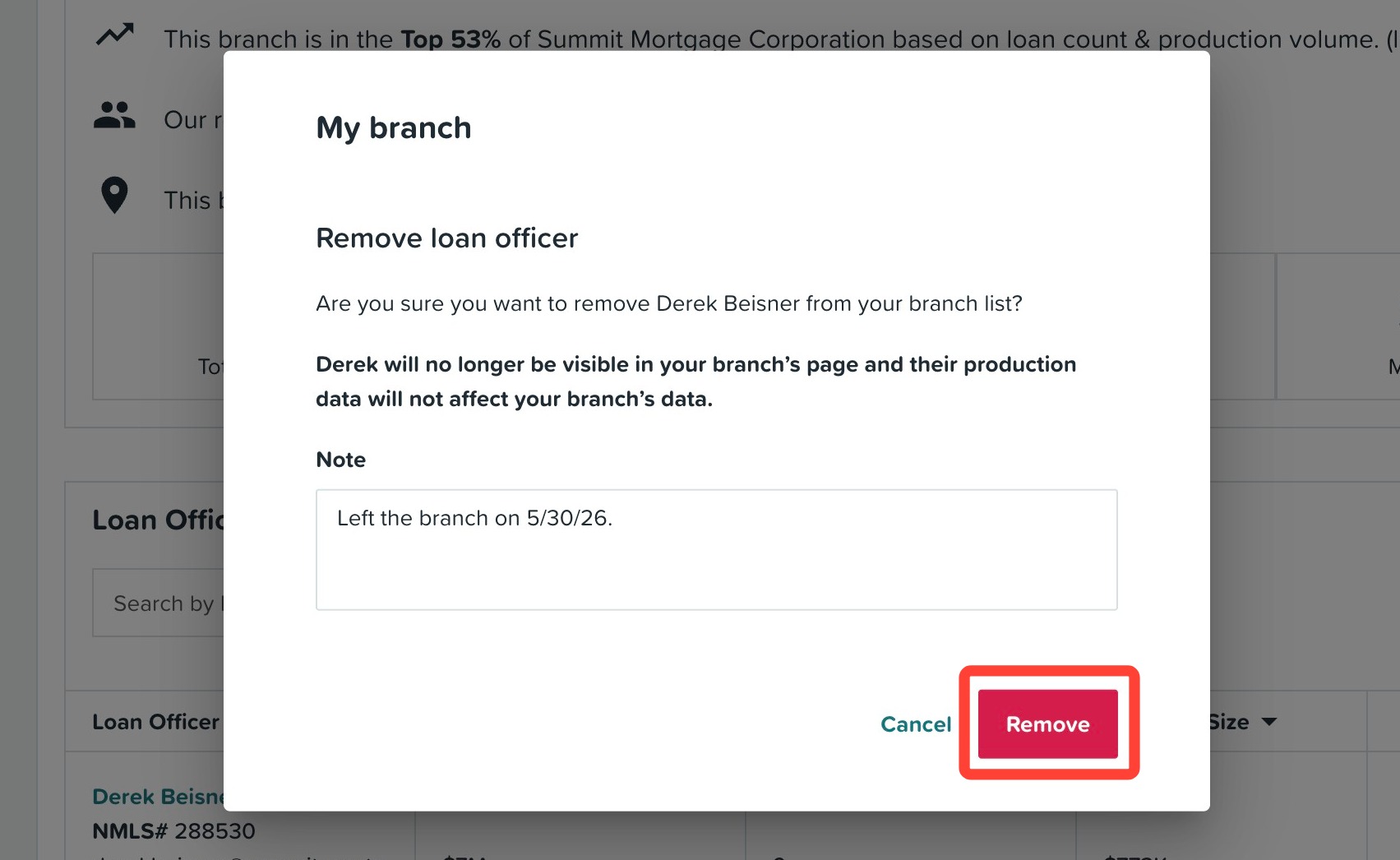
3. Click Remove.
Helpful Tip: Once removed, their production stats will be removed from your branch stats.
Adding an LO to Your Branch
1. If you recently hired an LO, you can add them by clicking + Add LO.
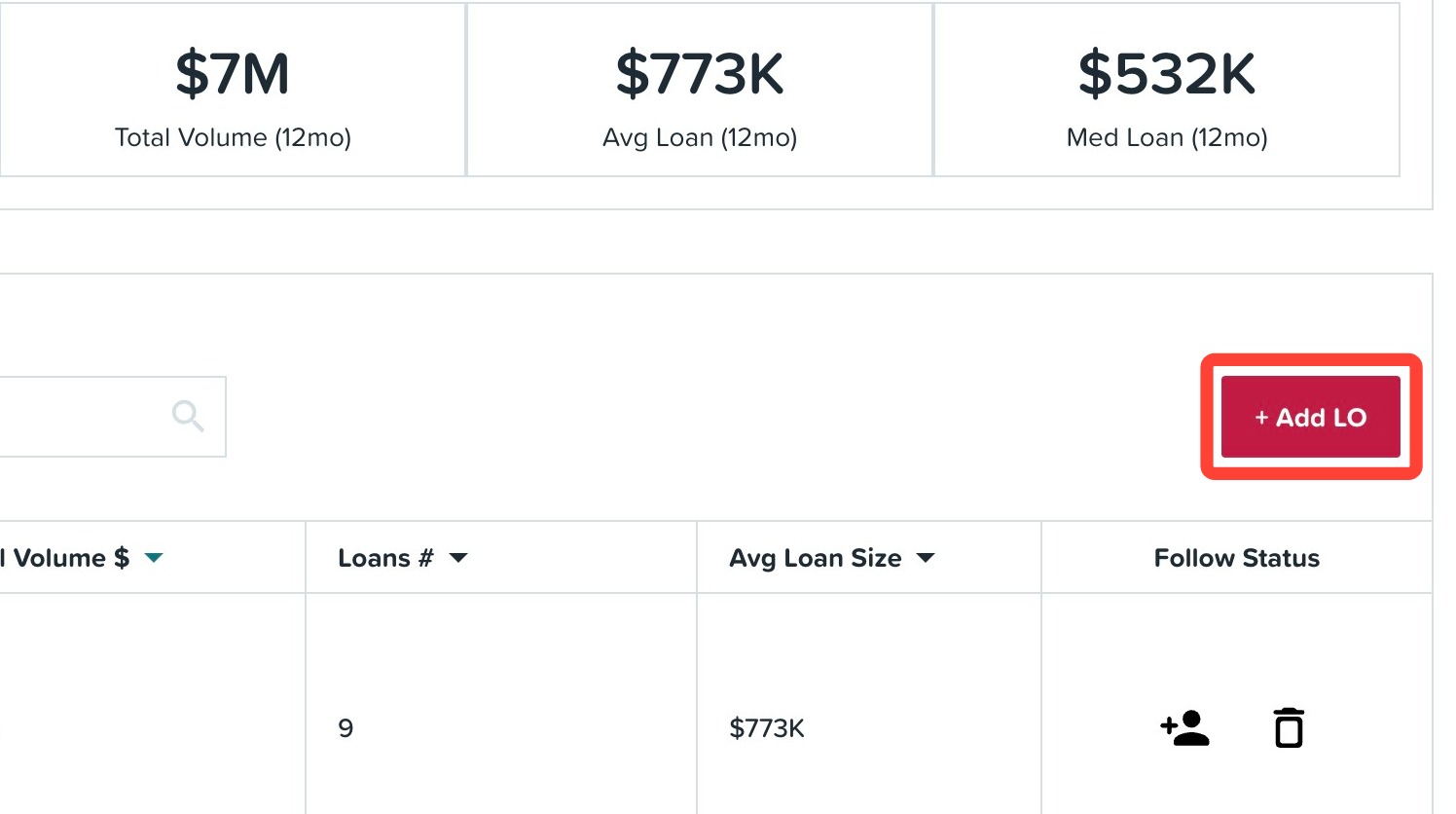
2. Fill out their contact details including their name, NMLS #, and email address.
3. Click Save & Close or click Add Another to add additional loan officers to your branch roster.
Once you submit an LO to be added to your branch, you will see a notice stating that your add request is being processed. Once your request has been reviewed and processed, we will update your branch roll up stats and summary.

Need help or have questions? Submit a support ticket here.
Related to