You can add, change, or edit photos in your marketing kit both while creating it and after it's been published. Follow the steps below to learn how.
Helpful Tip: If you are looking to update photos on the single property website for your listing such as changing the order, please contact our support team by clicking here.
Adding or changing photos while creating a marketing kit
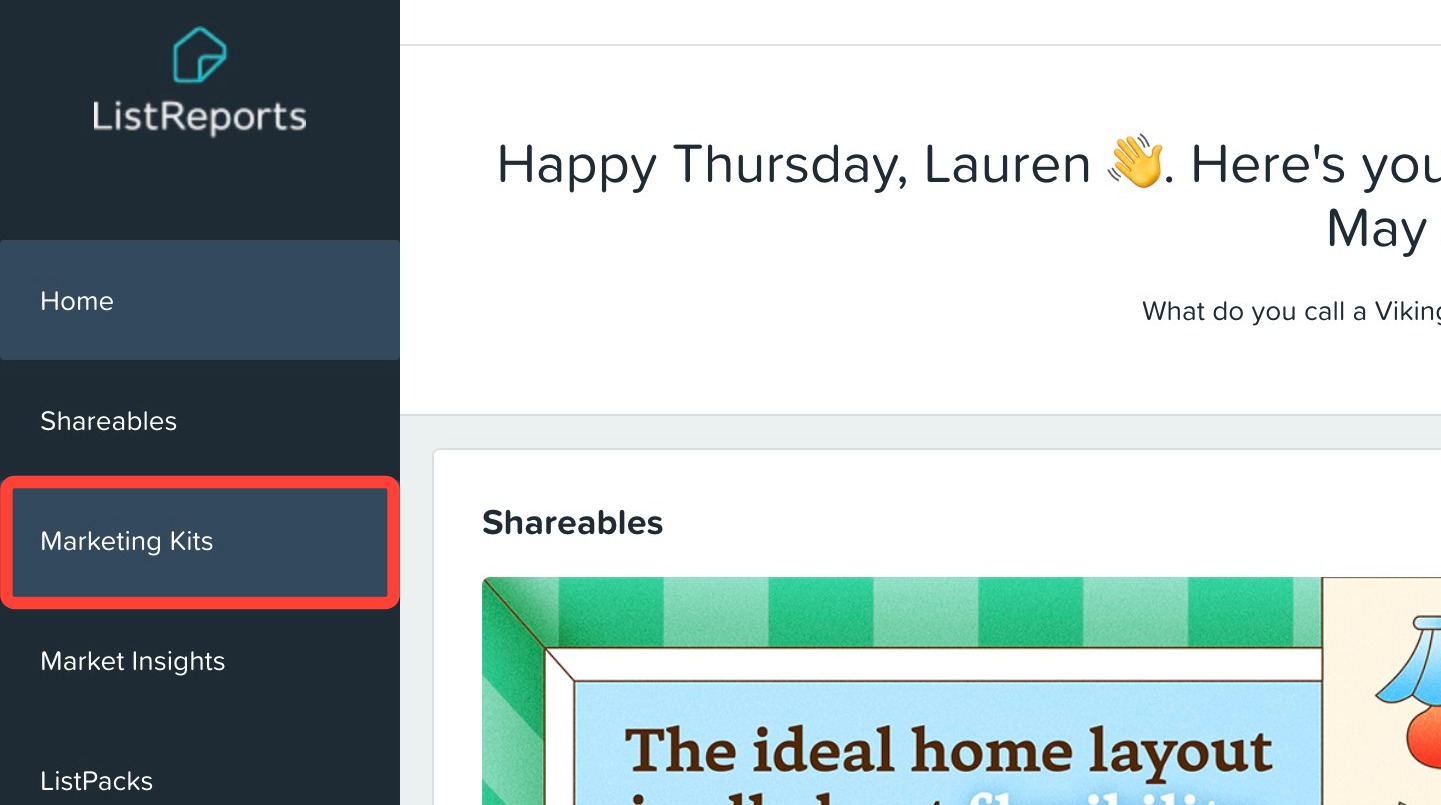
- Click Marketing Kits in the left-hand navigation menu.
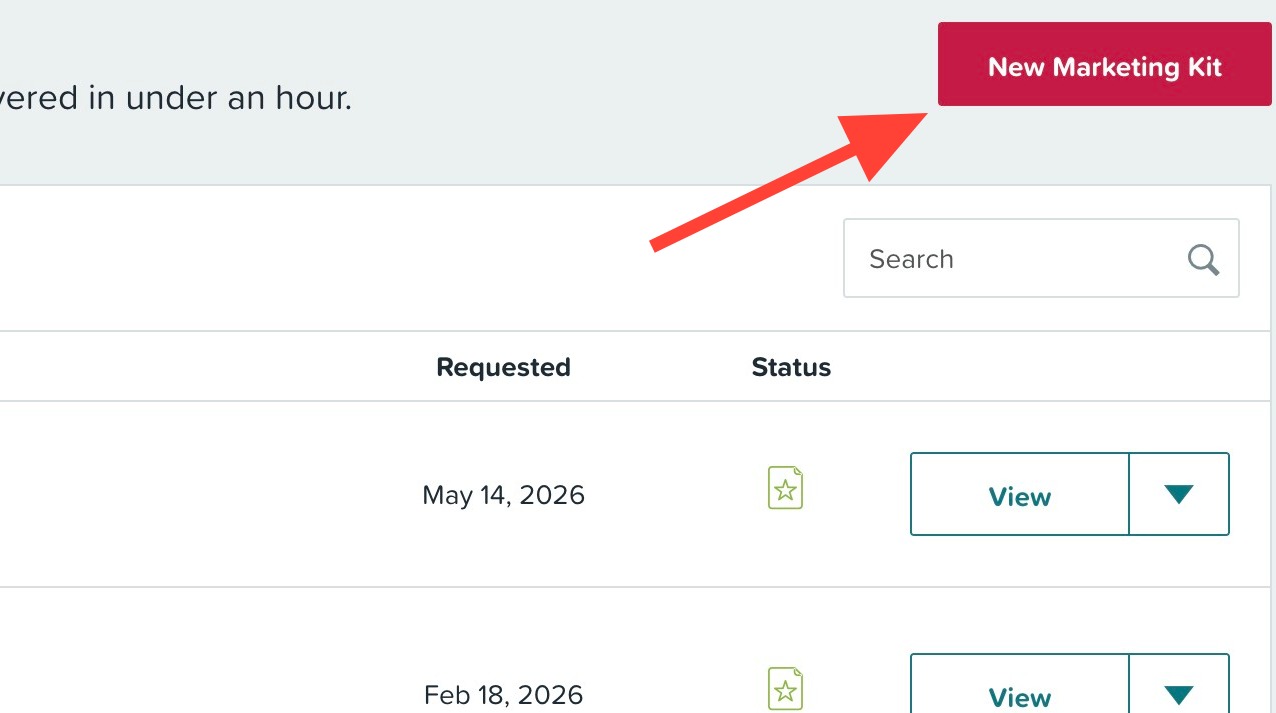
- Click New Marketing Kit.
- Type the property's address and select it from the drop-down.
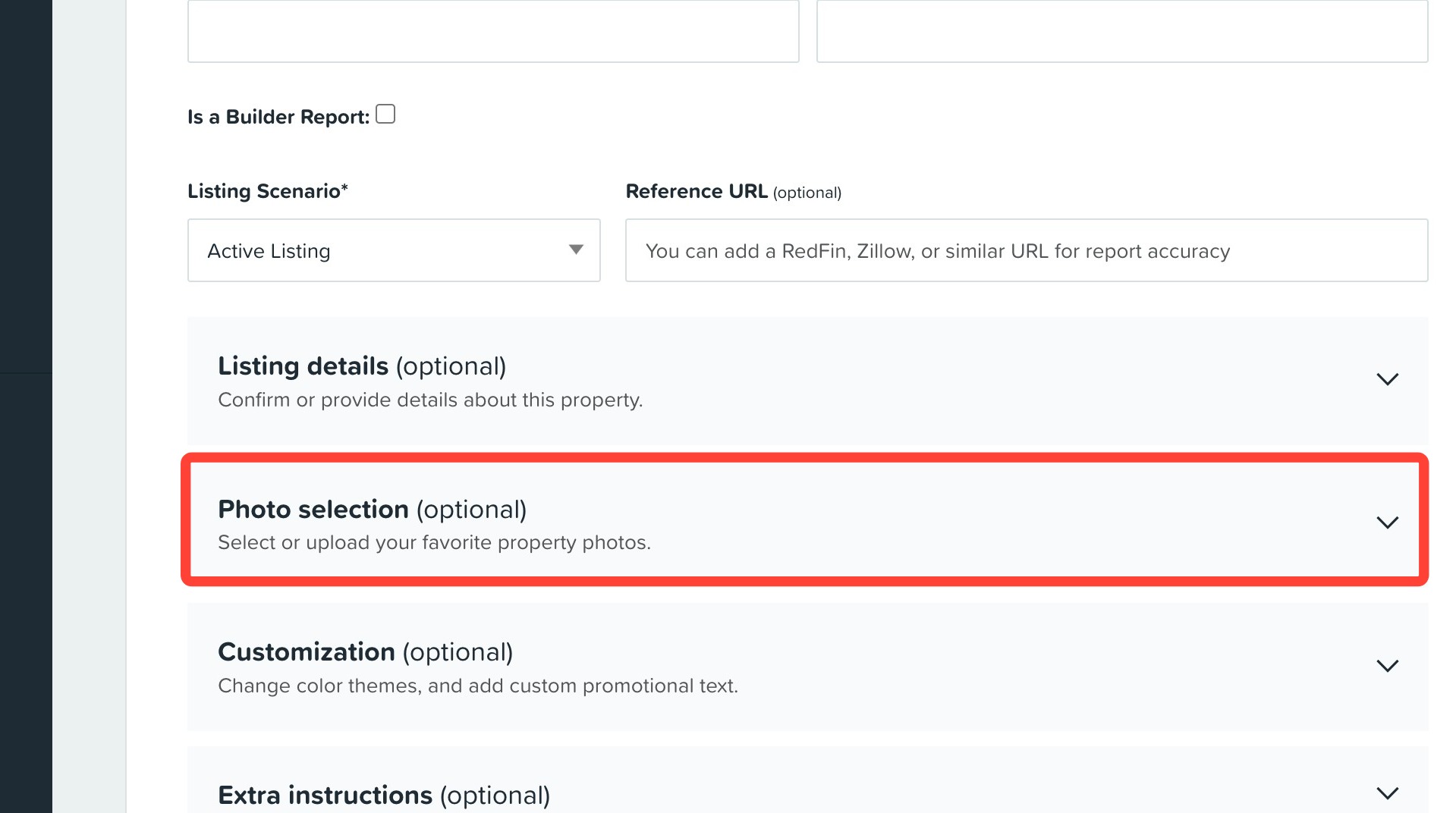
- Click the Photo selection drop-down.
- Select from the photos we've already pulled in, or drag and drop images directly from your computer.
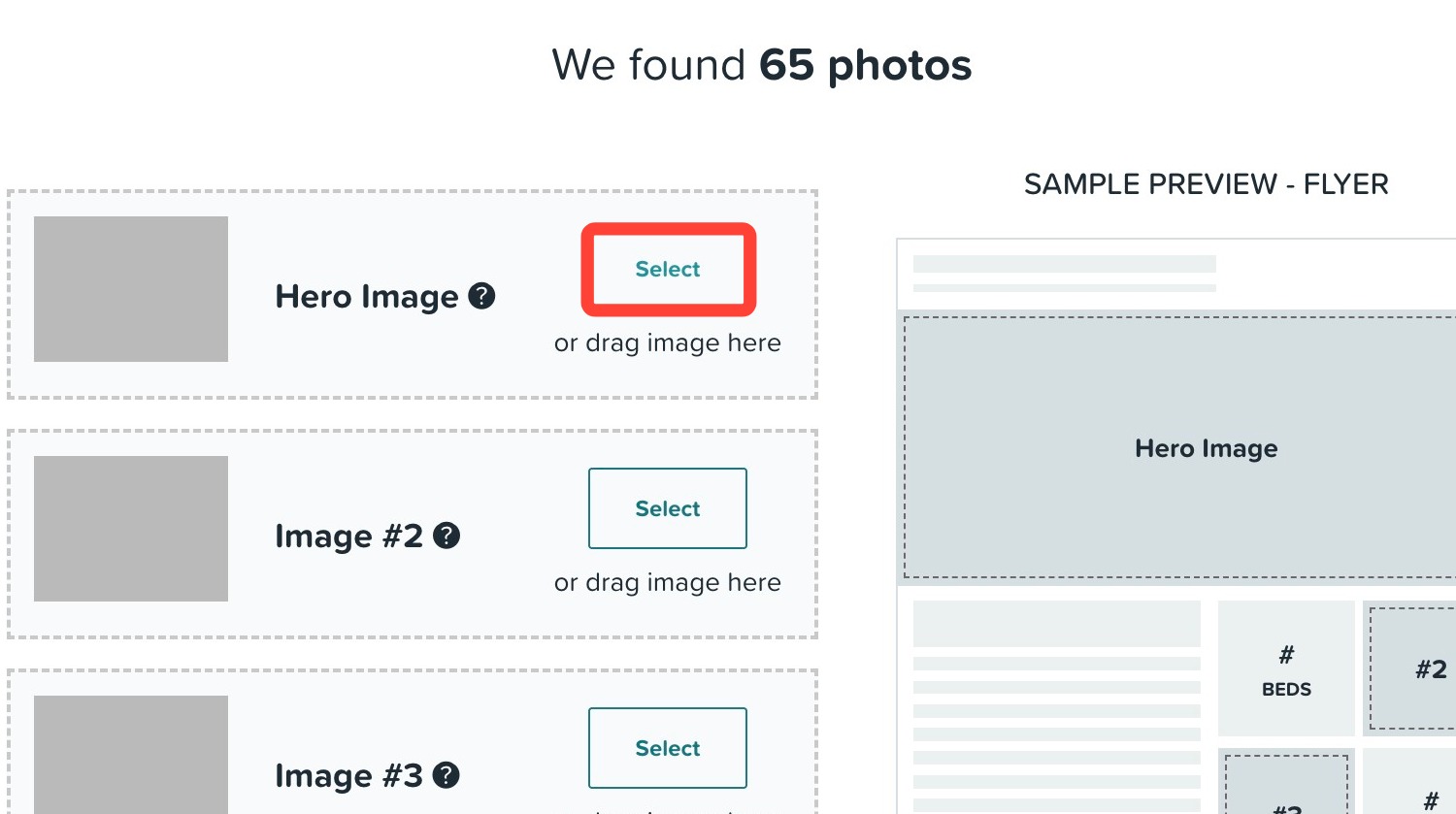
- If selecting a photo, click the photo you'd like to display. A turquoise border will appear around your selection to confirm it.
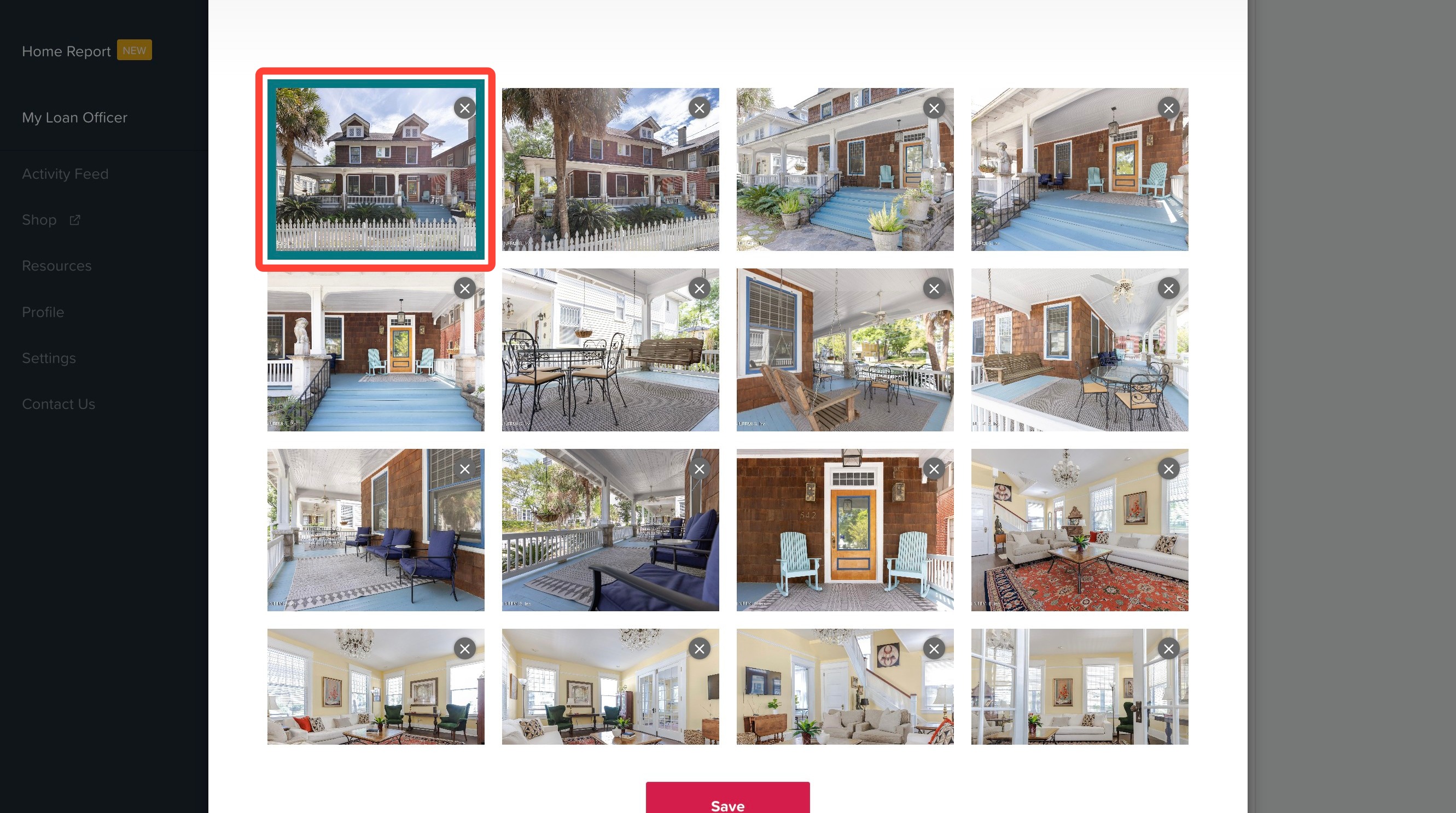
- Click Save.
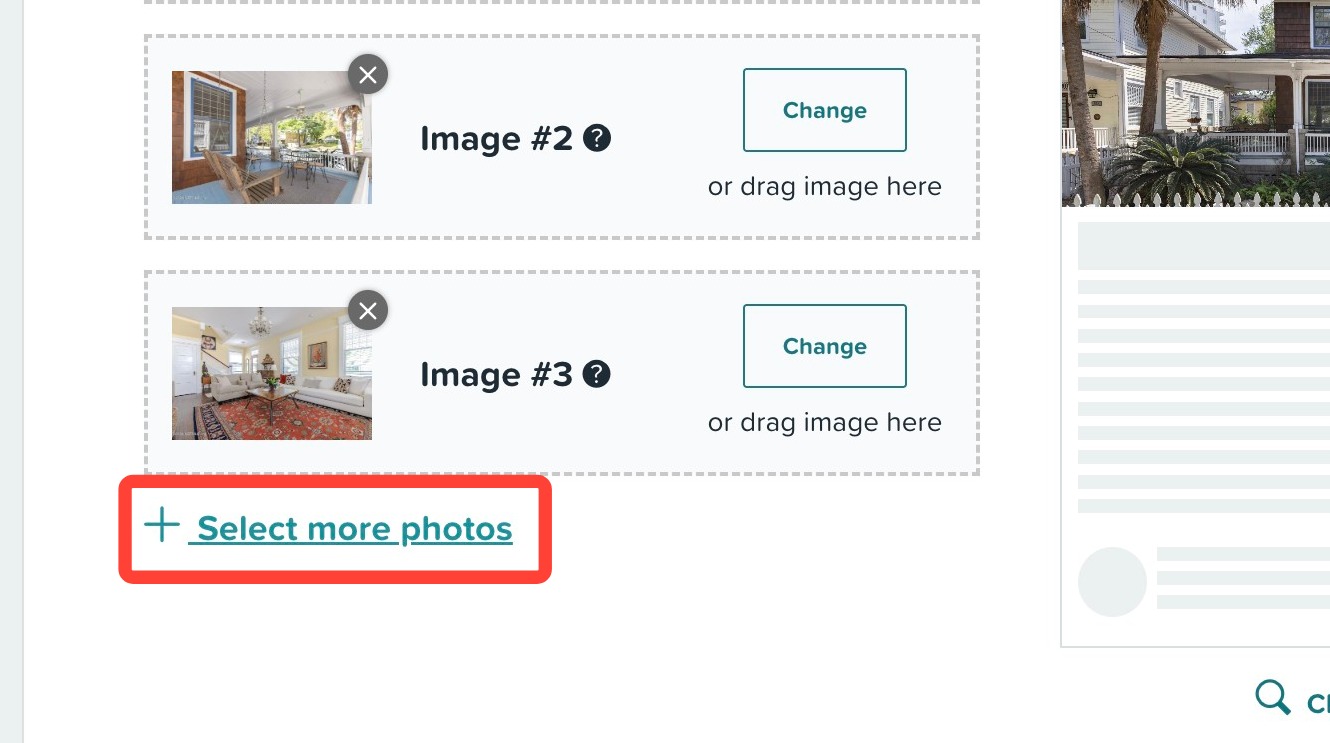
- To create a 5-image marketing kit, click Select more photos.
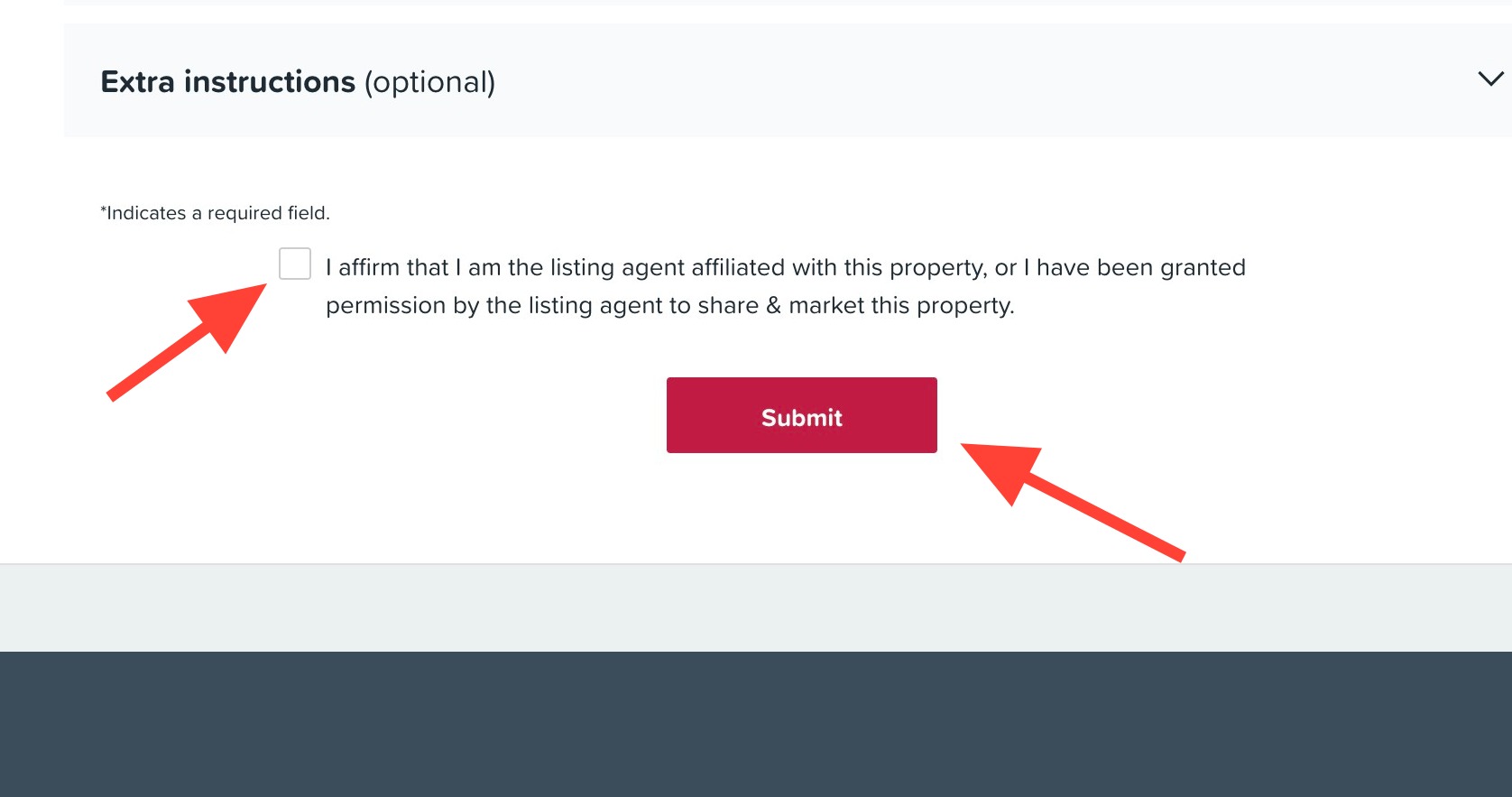
- Confirm that you are the listing agent or have been granted permission to market the property, then click Submit.
Editing photos on an existing marketing kit
-
Click on the Marketing Kits tab in the left-hand navigation menu.
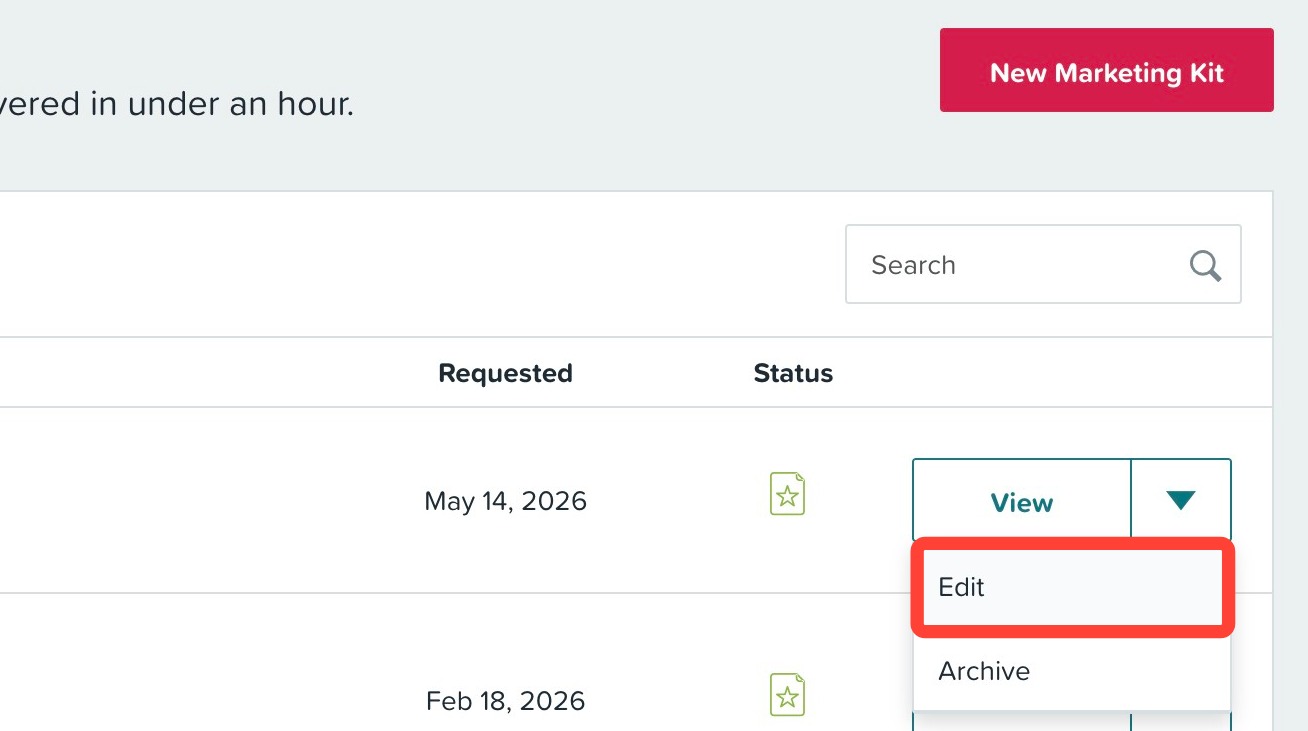
- Click the down arrow for the marketing kit you would like to edit.
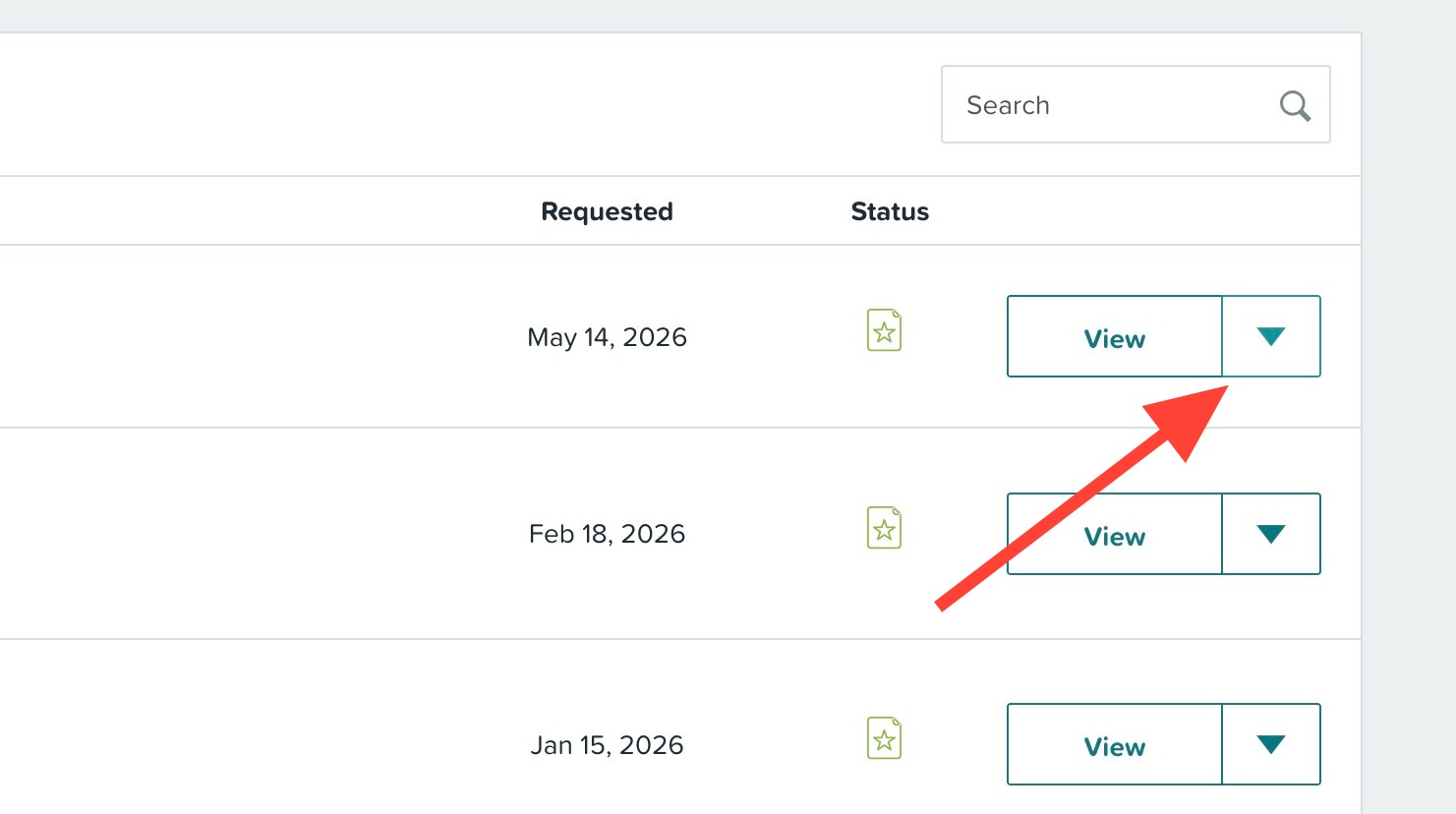
- Click Edit from the view dropdown menu.
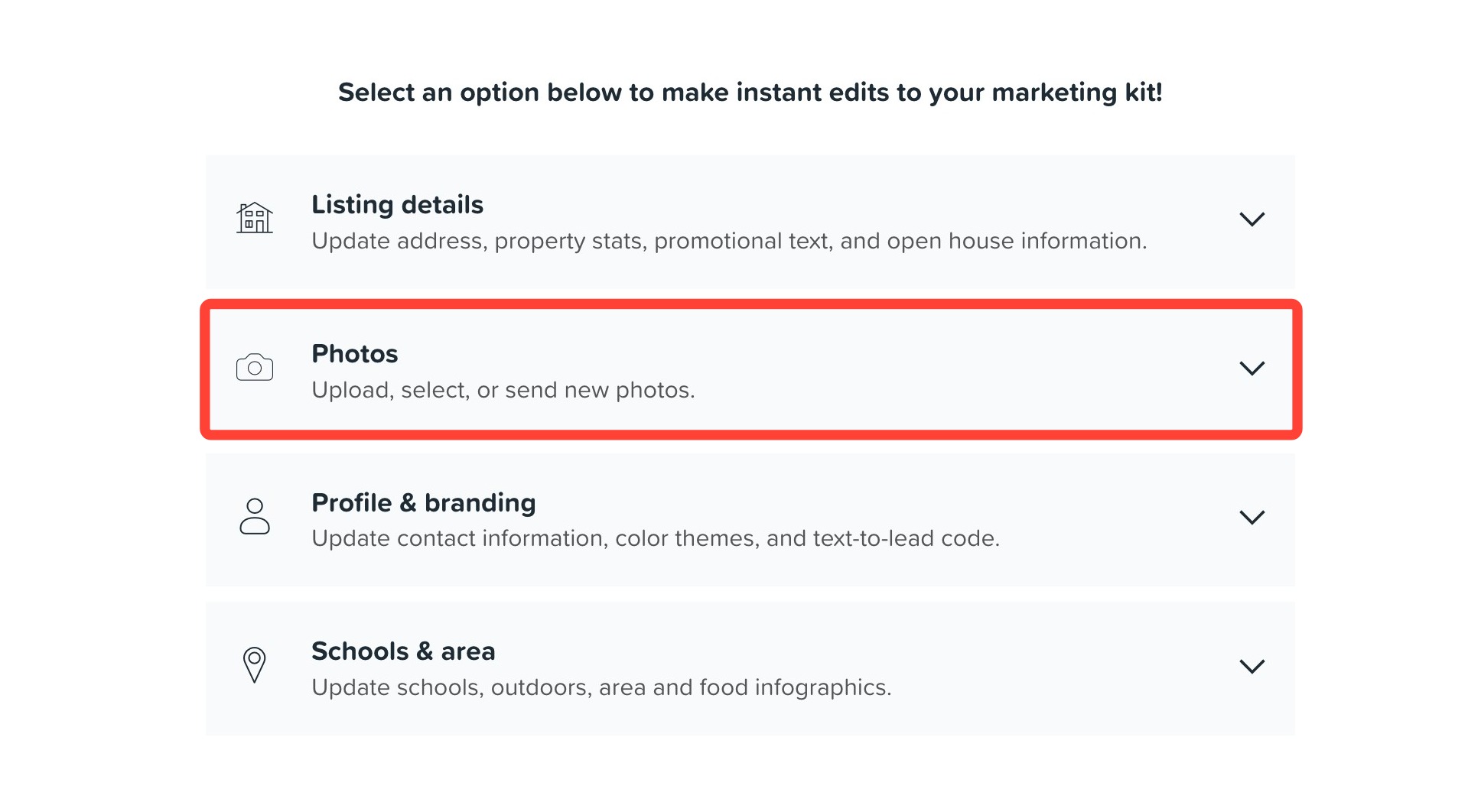
- Click the Photos dropdown.
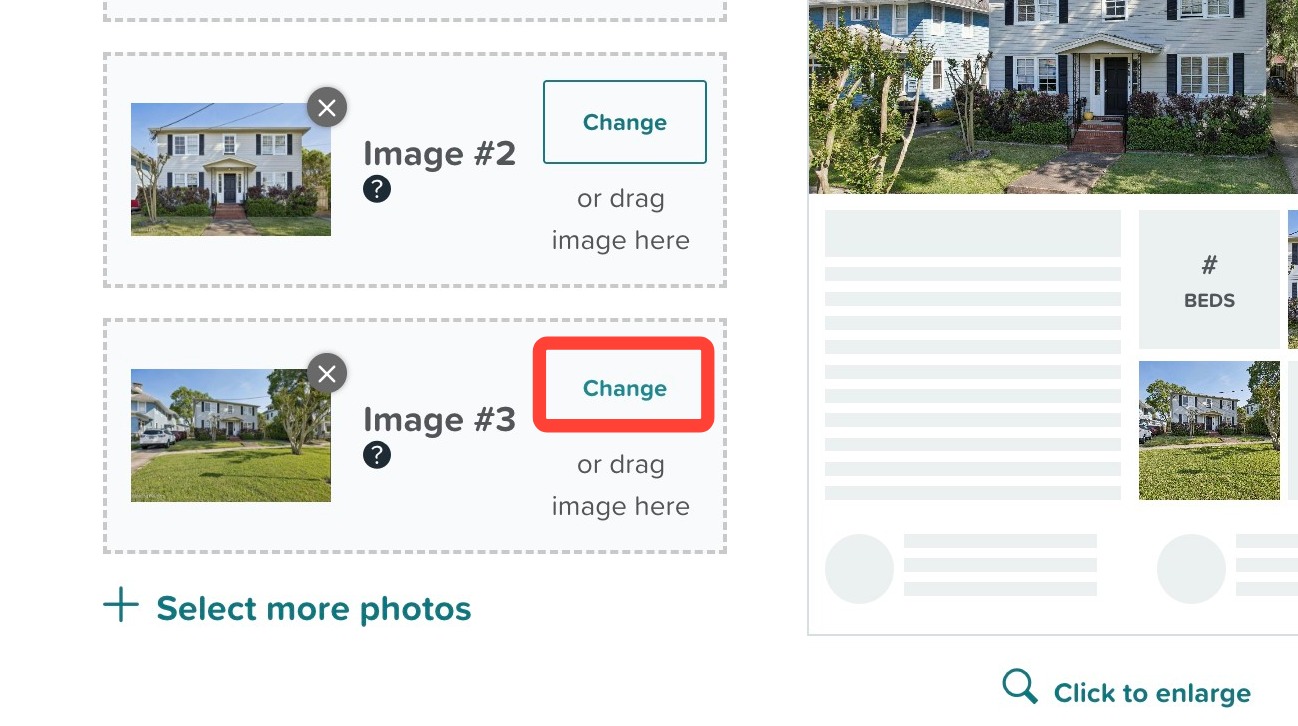
- Click Change next to the photo(s) you would like to replace.
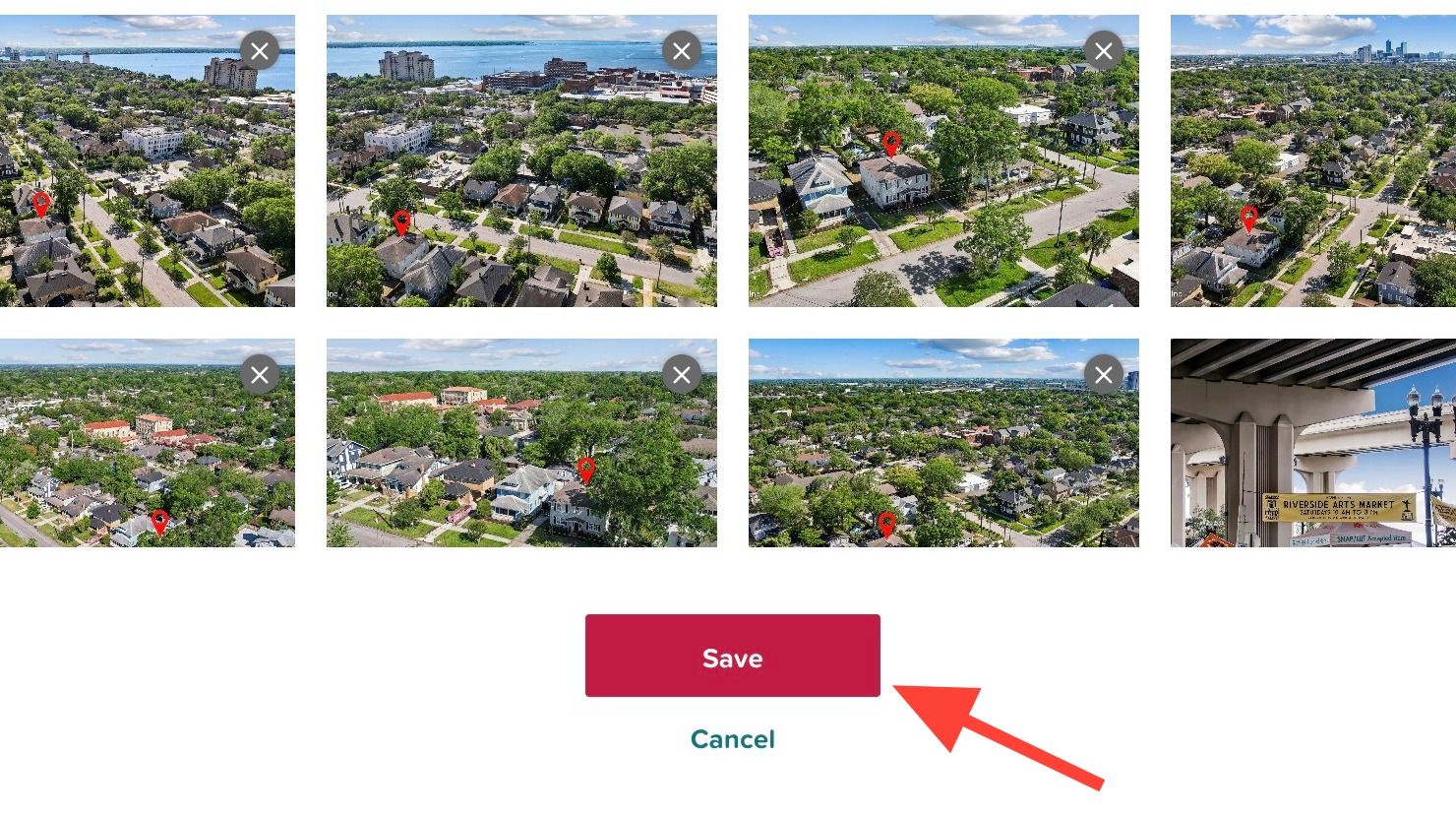
- Click the photo you would like to select.
- You can use the Upload more button in the top right corner of the window to load more photos from your desktop.
- Please ensure your photos are in an accepted format of PNG or JPEG and there are no special characters in the file name such as &'".
- If you would like to add photos you recently uploaded from the MLS, paste a link in the box shown below where we can gather the new photos. Please ensure the link does not require a login to access.
- If you made new photo selections, click Save.
- Click the Update marketing kit at the bottom of the page.
Your marketing kit will be updated within a few minutes. Still have questions? Submit a support ticket and we'll be happy to help.
Related to